Vorfälle pro 100 Schichten: die Rate berechnen und richtig einordnen
So vergleichen Sie die Häufigkeit von Vorfällen über Betriebszeiträume und erkennen die Grenzen der Kennzahl.
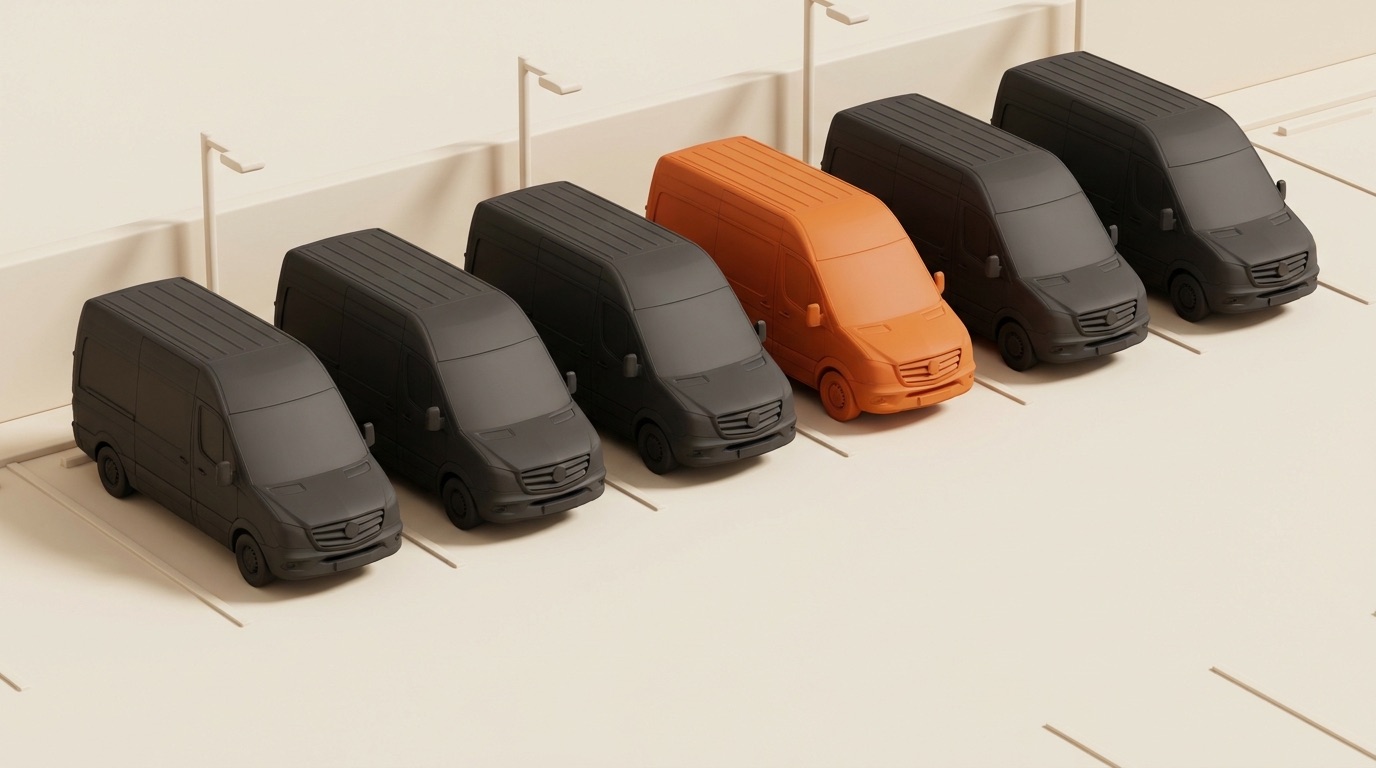
Eine Vorfallszahl braucht einen Bezug. Wenn Ihre Flotte mehr Schichten fährt, entstehen mehr Gelegenheiten für Vorfälle. Eine niedrigere Zahl kann auch weniger Arbeit oder weniger Meldungen bedeuten, ohne dass sich Fahrzeugzustand oder Fahrverhalten verbessert haben.
Vorfälle pro 100 Schichten setzt die Anzahl zu einem Maß für die betriebliche Aktivität ins Verhältnis. Die Rate hilft bei der Auswertung. Sie gleicht jedoch weder Routenschwierigkeit noch Schichtlänge, Fahrstrecke oder Meldequalität aus. Schwere und Kosten eines Vorfalls bleiben eigene Fragen.
So berechnen Sie Vorfälle pro 100 Schichten
Verwenden Sie Vorfallsmeldungen und abgeschlossene Schichten derselben Flotte aus demselben Zeitraum:
Vorfälle pro 100 Schichten =
  (Vorfälle im Zeitraum / abgeschlossene Schichten im Zeitraum) × 100
Legen Sie zuerst fest, was als Vorfall zählt. Behalten Sie diese Definition für alle Vergleichszeiträume bei. Erfassen Sie ein fehlendes Kontrollfoto getrennt von einem Unfall, sofern Sie nicht bewusst eine breitere, klar benannte Kategorie führen. Mehrere Meldungen desselben Ereignisses dürfen die Anzahl nicht künstlich erhöhen.
Rechenbeispiel: 54 Vorfälle bei 1.800 abgeschlossenen Schichten ergeben 3,0 Vorfälle pro 100 Schichten. Eine zweite Flotte mit 36 Vorfällen bei 1.200 Schichten erreicht ebenfalls 3,0. Die Raten sind gleich. Eine gleiche Sicherheitsleistung ist damit noch nicht belegt.
Bei null abgeschlossenen Schichten ist die Rate nicht definiert. Zeigen Sie neben der Rate immer beide Ausgangszahlen. So bleibt erkennbar, ob Sie eine kleine Stichprobe oder ein längerfristiges Muster betrachten.
Was die Normalisierung leistet und was offen bleibt
Die Rate macht verändertes Arbeitsvolumen sichtbar. Sie beseitigt nicht alle Unterschiede zwischen zwei Zeiträumen.
- Wachstum: Prüfen Sie Rate und Anzahl gemeinsam, wenn Fahrzeuge oder Routen hinzukommen.
- Routenmix: Innenstadt und längere Landrouten können unterschiedliche Risiken mitbringen. Vergleichen Sie möglichst ähnliche Einsätze.
- Meldeverhalten: Ein klarerer Meldeablauf kann zunächst zu mehr erfassten Vorfällen führen. Prüfen Sie Prozessänderungen, bevor Sie daraus eine Verschlechterung ableiten.
- Schwere: Ein kleiner Kratzer und ein schwerer Unfall erhöhen die Anzahl jeweils um eins. Bewerten Sie die Folgen separat.
Ihre Fahrzeugkontroll-Routine hilft, eine Meldung einem Fahrzeug und einer Schicht zuzuordnen. Sie beweist für sich genommen keine Verantwortung.
Eine eigene Vergleichsbasis aufbauen
Wählen Sie einen Zeitraum mit genügend abgeschlossenen Schichten für einen sinnvollen Vergleich. Beispielsweise können Sie mit 90 Tagen beginnen, wenn die Unterlagen vollständig und die Betriebsbedingungen ausreichend vergleichbar sind. Das ist eine mögliche Startentscheidung, keine allgemeingültige Mindestdauer.
Berechnen Sie die Wochenrate und bewahren Sie Vorfalls- und Schichtanzahl auf. Notieren Sie daneben Änderungen bei Routen, Wetter, Fahrzeugverfügbarkeit und Meldepraxis. Ein Median kann eine typische Woche beschreiben. Weder er noch ein Interquartilsabstand trennt automatisch zufällige Schwankungen von einer bedeutsamen Veränderung.
Dieser Artikel belegt keinen Branchenrichtwert. Eine niedrige Rate beweist keine vollständige Erfassung. Eine hohe Rate benennt noch keinen Fahrer und kein Fahrzeug als Ursache.
Aus der Auswertung eine Aufgabe machen
Legen Sie fest, wer Veränderungen prüft und welche Unterlagen dafür nötig sind. Die folgende Tabelle ist eine Arbeitsvorlage für Ihr Team, keine Beschreibung automatischer Fleet-Benachrichtigungen:
| Beobachtung | Nächster Prüfschritt |
|---|---|
| Die Rate steigt bei sinkender Schichtanzahl | Beide Ausgangszahlen und die Stichprobengröße prüfen |
| Meldungen häufen sich bei einem Fahrzeug | Vorfallsbeschreibungen, Zustandsfotos und Wartungshistorie vergleichen |
| Meldungen häufen sich auf einer Route oder in einem Zeitblock | Arbeitsmenge, Routenbedingungen und Schichtkontext mit dem Team prüfen |
| Es werden weniger Vorfälle erfasst | Vollständigkeit der Kontrollen und Änderungen im Meldeablauf prüfen |
| Ein schwerer Vorfall tritt ein | Den vorgesehenen Vorfallablauf sofort anwenden; nicht auf die Wochenrate warten |
Öffnen Sie bei Fahrzeughäufungen die Wartungsunterlagen neben der Vorfallshistorie. Eine Häufung begründet eine Prüfung. Sie beweist keine Ursache und rechtfertigt keine automatische Schuldzuweisung.
Häufigkeit, Schwere und Kosten getrennt betrachten
Die Rate zeigt, wie oft erfasste Vorfälle im Verhältnis zu Schichten auftreten. Sie sagt nicht, was diese kosten, ob eine Forderung akzeptiert wurde oder wie lange ein Fahrzeug ausgefallen ist.
Halten Sie diese Fragen getrennt. Das Kostenmodell zu Fotodokumentation und Schadensfällen unterscheidet gemeldete Forderung, Streitentscheidung und Zahlung. Der Wartungskostenvergleich zeigt, wie Sie Reparatur- und Mietkosten prüfen, ohne daraus eine Einsparung abzuleiten.
Mit den eigenen Unterlagen beginnen
- Wählen Sie den Zeitraum und halten Sie Ihre Vorfalldefinition fest.
- Exportieren Sie Vorfälle und abgeschlossene Schichten dieses Zeitraums.
- Entfernen Sie doppelte Meldungen und berechnen Sie die Rate mit sichtbaren Ausgangszahlen.
- Notieren Sie Änderungen der Betriebsbedingungen und Meldepraxis.
- Benennen Sie eine Person, die die Unterlagen prüft und Aufgaben nachverfolgt.
Fleet by Elevera verbindet Vorfallsmeldungen und Nachweise in einem Ablauf. Prüfen Sie die aktuellen Pakete und enthaltenen Module anhand der Anforderungen Ihres Betriebs.
Sehen Sie mehr von unseren Beiträgen in der Google-Suche und in AI Overviews.
Fleet als bevorzugte Quelle bei Google hinzufügenMitgründer, Produkt · Elevera
Nedim ist Mitgründer von Elevera und verantwortet das Produkt Fleet by Elevera. Mit Sitz in Bottrop, nah an den Amazon-DSPs, für die das Produkt gebaut wird, ist er die Brücke zwischen dem, was Betreiber im Hof sagen, und dem, was ausgeliefert wird. Er arbeitet direkt mit Aslan Kurierdienste, dem DSP mit 36 Transportern, dessen Fahrer, Disponenten und Schadensfälle jeden Workflow in Fleet geprägt haben.
Alle Artikel dieses Autors →// Weiterlesen
Mehr aus dem Fleet Journal

Fotodokumentation bei der Übergabe: ein Kostenmodell für Schadensfälle
Ein Kostenmodell für Schadensfälle mit offenen Annahmen und den Unterlagen, die Sie für Ihre eigene Bewertung brauchen.
Die Amazon DSP Scorecard entschlüsselt: Wie Fuhrparkbetrieb Fantastic+ ermöglicht (und zerstört)
Ihre Scorecard ist kein Fahrerproblem — sie ist ein Betriebssystem. Die Kennzahlen, die Ihr Fuhrpark kontrolliert, und die Mittwochsroutine, die sie bewegt.
Präventive vs. reaktive Wartung: ein 12-Monats-Kostenvergleich
Ein Wartungskostenvergleich mit offenen Annahmen, vollständigem Rechenweg und klaren Grenzen der Aussagekraft.
Führen Sie Ihre Flotte vom ersten Tag an datenbasiert.
Schließen Sie sich DSP-Betreibern an, die Excel und WhatsApp durch Fleet by Elevera ersetzt haben. Buchen Sie eine Demo.