Regular vehicle inspections for Amazon DSPs: build a reliable condition record
What to record at each handover, who reviews it, and how to connect a visible change to the next operational action.
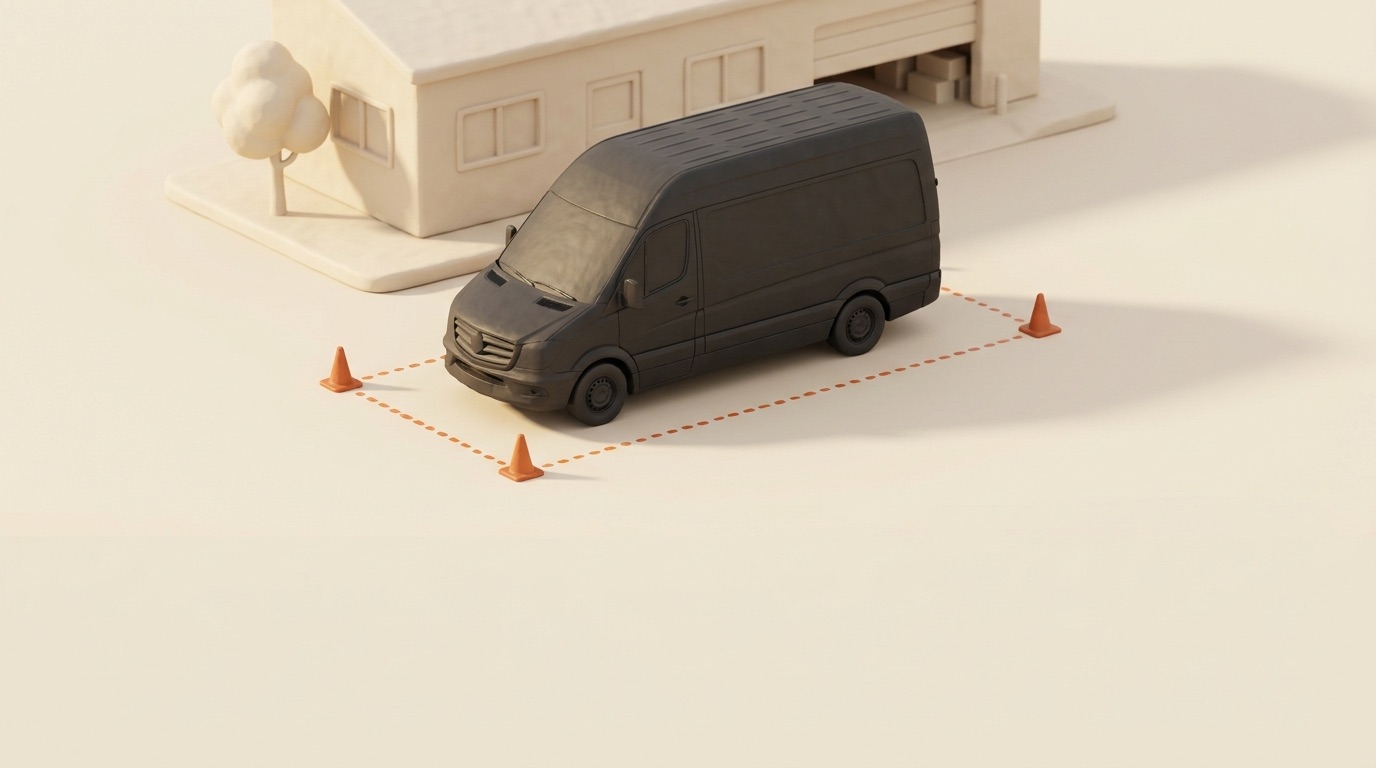
A scratch is harder to investigate when nobody can find the previous condition record. The immediate task is practical: establish which vehicle was used, what was visible before and after the shift, and who reviewed the change.
A regular inspection routine gives an Amazon DSP a consistent place to record those facts. It does not guarantee a successful claim, establish liability or replace a physical vehicle safety check.
What a regular vehicle inspection records
Use a condition record at the points where responsibility for a vehicle or item changes:
- Start of shift: record the vehicle before departure.
- End of shift: capture its condition on return and flag changes.
- Vehicle handover: compare the incoming condition with the previous record.
- Equipment handover: record which keys, phones and scanners were issued and returned.
These records serve different purposes. Keep them connected to the relevant person, vehicle and time rather than relying on a folder of unlabelled images.
Start of shift: a consistent photo set
Use the same framing each time so the next reviewer can compare like with like:
- Left side
- Right side
- Front
- Rear
- Dashboard, including mileage and warning lights
- Cargo area
That is four exterior views plus the dashboard and cargo area, not six exterior angles. Check that each image is clear and shows the intended area. Record visible damage and anything needing a closer check before departure. A photo set alone does not establish that a vehicle is safe to operate.
The copy-ready shift handoff checklist puts the photo set alongside tires, equipment and return checks. Adapt the surrounding process to your vehicles and operating requirements.
End of shift: give the review an owner
Capturing another photo set is only part of the work. Assign a named reviewer to compare it with the previous condition record and resolve unclear images.
A useful review distinguishes three outcomes:
- OK: no visible change identified in the photos.
- Suspicious: something needs a closer look or clarification.
- Damage: a visible change needs an incident record and follow-up.
Set a review target your team can maintain, such as clearing routine reviews by the next working day. Urgent defects need immediate attention through your existing operating process.
Fleet’s photo review queue guide shows how a dispatcher reviews the images and moves a damage finding into the incident workflow.
Vehicle handover: compare the records before assigning responsibility
When several drivers use the same van, the previous end-of-shift record gives the incoming driver a reference. Check the vehicle identity, timestamps, image quality and any gap between the records.
Photographs can show a visible change. They may not show when it happened or who caused it. Keep driver comments and other relevant information with the record. The photo evidence and claims cost model explains why evidence collection and a financial outcome are separate questions.
Equipment handover: identify the actual item
A note saying “phone returned” is less useful when several identical phones are in circulation. Record an item identifier, the person receiving it, the time of issue and its return condition. Add photos or notes where they help explain a difference.
Keep equipment records separate from the fixed vehicle photo set. The equipment ledger guide covers issuing an item, recording a return and following up on an overdue assignment.
What makes a condition record useful
Before relying on a record, check that it contains:
- Consistent, readable images with enough context to identify the area shown.
- A recorded time linked to the inspection.
- Vehicle and driver identity associated with the shift.
- Review history showing what was checked and what happened next.
A record supports review by your team, a leasing partner or an insurer. Its completeness does not determine what they will accept. Preserve the underlying files and check the requirements for the particular case before sharing a claim pack.
Connect inspection findings to follow-up
Decide where each finding goes. A warning light or repeated defect belongs in a maintenance review. A new visible damage report belongs in an incident record. An unreturned scanner belongs in the equipment follow-up list.
For maintenance findings, use the maintenance workflow to keep the vehicle’s service work together. To review patterns over time, incidents per 100 shifts can put incident frequency alongside activity, provided reporting and comparison periods are consistent.
Run the routine in Fleet by Elevera
Fleet by Elevera connects shift inspections, dispatcher photo review and incident management. Reviewers can keep a damage report with its vehicle, shift and photo evidence. The equipment ledger records item assignments and returns alongside that vehicle process.
Start by agreeing the photo set, the review owner and the route for unresolved findings. Check the current plans and included modules before choosing which parts to run in Fleet.
Vidite više naših objava u Google pretrazi i AI pregledima.
Dodajte Fleet kao preferirani izvor na GoogleuCo-founder, Product · Elevera
Nedim co-founded Elevera and leads product for Fleet by Elevera. Based in Munich, he is the bridge between what operators say in the yard and what ships. He built Fleet side by side with Aslan Kurierdienste, the 36-van DSP whose drivers, dispatchers, and damage cases shaped every workflow in Fleet.
All articles by this author →// Continue reading
More from the Fleet Journal
The shift handoff checklist: a copy-ready template for delivery fleets
Six photos, tires, mileage and equipment, with clear responsibilities at issue and return. Copy it, print it, or use it in your process.
Photo evidence at handoff: what the claims cost model shows
A worked claims cost model, its assumptions, and the records an operator needs to assess a photo workflow.
Preventive vs reactive maintenance: a 12-month cost comparison
A worked maintenance cost comparison with explicit assumptions, complete arithmetic and limits on what the totals establish.
Run a data-driven fleet from day one.
Join DSP operators who replaced Excel and WhatsApp with Fleet by Elevera. Book a demo to see it live.