The shift handoff checklist: a copy-ready template for delivery fleets
Six photos, tires, mileage and equipment, with clear responsibilities at issue and return. Copy it, print it, or use it in your process.
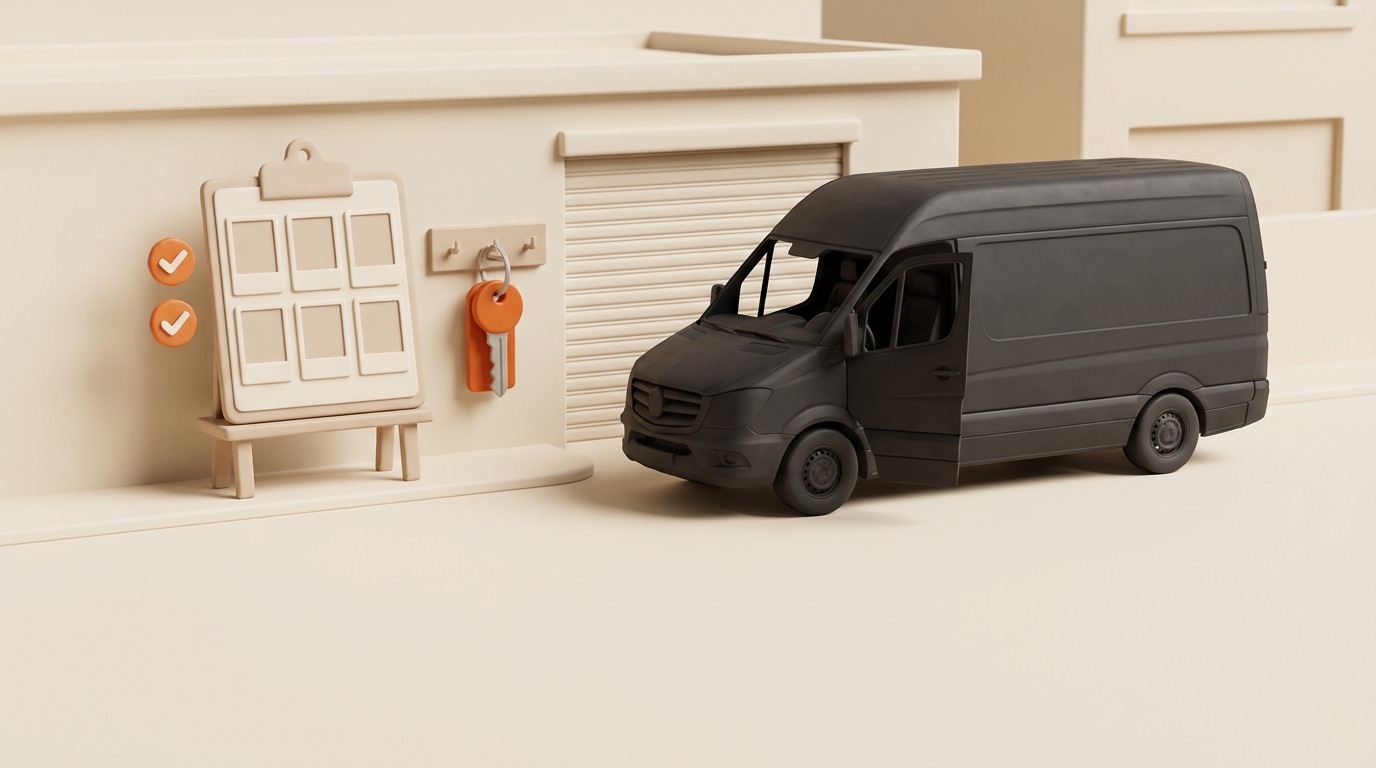
Use this template to record the handover. It combines a vehicle photo set with process checks; it is not a substitute for the vehicle safety checks required in your operation.
The checklist
Start of shift:
| # | Item | What "done" means |
|---|---|---|
| 1 | Photo: front | Whole front visible, plate readable |
| 2 | Photo: back | Whole rear visible, doors closed |
| 3 | Photo: left side | Full side, low angle catches sills |
| 4 | Photo: right side | Full side, same angle every day |
| 5 | Photo: dashboard | Ignition on — mileage and warning lights in one frame |
| 6 | Photo: cargo area | Floor and walls visible, load secured |
| 7 | Tires | Visual check; flag anything soft or worn |
| 8 | Equipment received | Scanner, phone, keys, fuel card — confirmed |
End of shift — same discipline:
| # | Item | What "done" means |
|---|---|---|
| 1–6 | Same six photos | Same angles as the morning, no creativity |
| 7 | Fuel level | Photographed on the dashboard shot or logged |
| 8 | New damage? | Yes/no — "yes" opens an incident, not a debate |
| 9 | Equipment returned | Scanner, phone, keys, fuel card — checked back in |
Print it, laminate it, hang it at the key board. Or run it digitally — more on that below.
The rules that make it work
The checklist itself is ordinary. The rules around it are what produce results:
- Keep the routine clear. Remove unnecessary steps, but leave enough time to inspect the vehicle and take usable photos. A time target must not replace a completed check.
- Make missing records visible. Define who follows up when a required photo or check is missing, and how a driver reports an obstacle.
- Same photo set, every time. Four exterior views, the dashboard and the cargo area provide a consistent comparison. Keep the framing clear.
- Both ends of the shift. Start and return photos provide separate condition records. The inspection routine explains how to compare them without assuming responsibility from a timestamp alone.
- A named reviewer. Set a routine review target, such as the next working day, and handle urgent findings immediately through your operating process. Fleet’s photo review queue guide explains the review steps.
Paper vs WhatsApp vs app
Choose the format your team can maintain, then check how records will be retrieved and reviewed:
- Paper sheets. Keep an indexed archive and a way to connect each sheet to its photo set.
- WhatsApp group. Agree how vehicle, driver and shift are identified and who transfers relevant records into the incident file.
- An inspection app. Check the actual capture flow, missing-photo handling and review process before rollout.
Whichever format you choose, test whether a dispatcher can retrieve one complete handover record and identify its outstanding actions.
Adapting it to your fleet
- Rental or leased vans: add fuel level and cabin cleanliness emphasis at end-of-shift — that's what return assessments bill you for.
- Multi-driver vehicles: the end-of-shift photo set doubles as the next driver's baseline. The handover is the inspection.
- Winter: wipe snow off panels before photographing. Photos of snow-covered vans are weak evidence — the panel under the snow is what matters.
In Fleet by Elevera, the in-app vehicle photo set is fixed: four exterior views, the dashboard and cargo area. Drivers cannot add or swap those views. The additional checks above belong in your surrounding process. For issuing scanners and keys, use the separate equipment ledger workflow.
Running it digitally
Fleet by Elevera connects vehicle photos with the shift record and the dispatcher’s review. Check the shift inspection workflow and current plans and included modules against your checklist before introducing it to the team.
Related reading on the Fleet journal:
- Photo evidence at handoff: the claims cost model
- A practical vehicle inspection routine for Amazon DSPs
- Onboarding a new DSP route: the first 30 days, in order
Vidite više naših objava u Google pretrazi i AI pregledima.
Dodajte Fleet kao preferirani izvor na GoogleuCo-founder, Product · Elevera
Nedim co-founded Elevera and leads product for Fleet by Elevera. Based in Munich, he is the bridge between what operators say in the yard and what ships. He built Fleet side by side with Aslan Kurierdienste, the 36-van DSP whose drivers, dispatchers, and damage cases shaped every workflow in Fleet.
All articles by this author →// Continue reading
More from the Fleet Journal
Regular vehicle inspections for Amazon DSPs: build a reliable condition record
What to record at each handover, who reviews it, and how to connect a visible change to the next operational action.
Photo evidence at handoff: what the claims cost model shows
A worked claims cost model, its assumptions, and the records an operator needs to assess a photo workflow.
Onboarding a new DSP route: the first 30 days, in order
What to track in week one, week two, week four. With templates.
Run a data-driven fleet from day one.
Join DSP operators who replaced Excel and WhatsApp with Fleet by Elevera. Book a demo to see it live.